

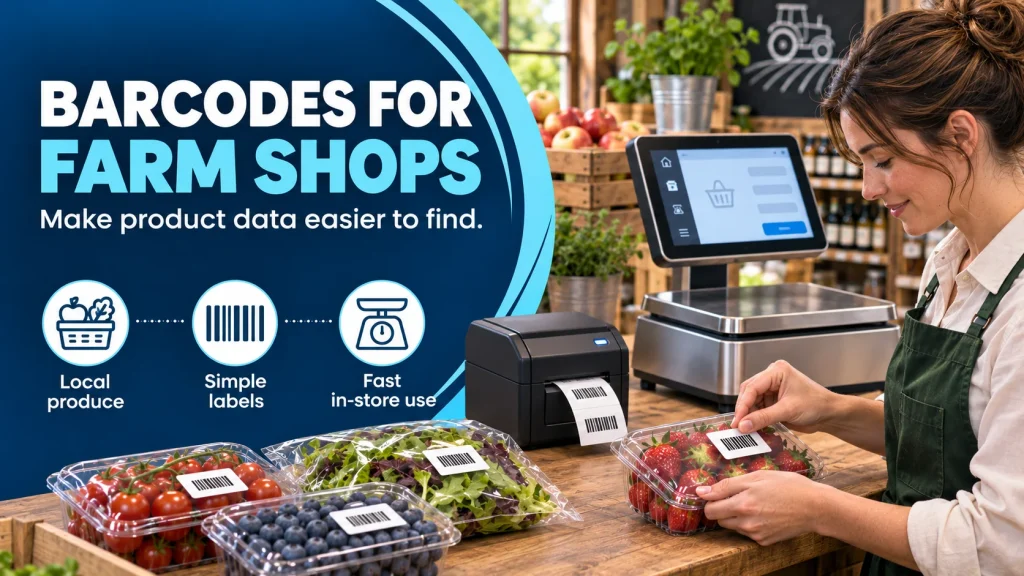
Barcode labels for farm shops can make products quicker to identify at the till, but the printed code is only the visible end of a product-data process. A reliable workflow begins with the product record, continues through label printing and ends with a check at checkout.
Give each sellable item a clear identity
Decide which variations need their own product record. A small and large pack, different weights, or two flavours may need different prices and descriptions. Write a naming convention that staff can understand. It should be easy to distinguish similar products on a screen without relying on a long code.
Choose a barcode format that works with your existing scanning and till setup. If you sell products from other suppliers, keep their identifiers separate from your own shop-generated labels. Ask your equipment provider to confirm compatibility before printing hundreds of labels.
Make the human-readable information useful
Customers and staff still need to read the label when the scanner cannot. Check product name, price or weight where applicable, dates and any required food information. The Food Standards Agency’s PPDS labelling guidance explains when a food name, ingredients list and emphasised allergens are required. Confirm the correct rule for each product type and sale method.
South Coast Systems offers retail weighing and labelling scales and an address and pack label printer. Our article on food labelling with scales and software looks at keeping product information consistent.
Run a simple label test
- Create or update one product record.
- Print a sample label on the actual stock you intend to use.
- Scan it at the point of sale and compare the product and price.
- Check that required text is readable after the label is applied.
- Repeat after a price, recipe or supplier change.
Plan for fresh and variable-weight products
Farm shops often sell both fixed-price packaged goods and items weighed for the customer. The label process may differ between them. Decide whether the code identifies only the product or also carries weight and price information, and test it against the exact till or scanner configuration you use. Do not assume a barcode printed by one system will be interpreted correctly by another.
For fresh foods, agree how date information is set and checked. A new batch or changed recipe may need a new label even when the product name stays the same. Keep old label stock away from the packing area so staff cannot accidentally use superseded information.
Measure whether the workflow helps
After a short trial, ask staff which products still require manual lookup, which labels fail to scan and where price discrepancies occur. Check the customer-facing receipt as well as the label. These observations help you fix product records or label design before expanding the system to a full range. A good barcode workflow should make an exception easier to detect and resolve, not hide it behind a scanner beep.
Keep a clear route for correcting errors and withdrawing old label rolls. If several people can change product records, record who approves final information. Discuss your labelling setup with South Coast Systems before choosing printers and labels.