

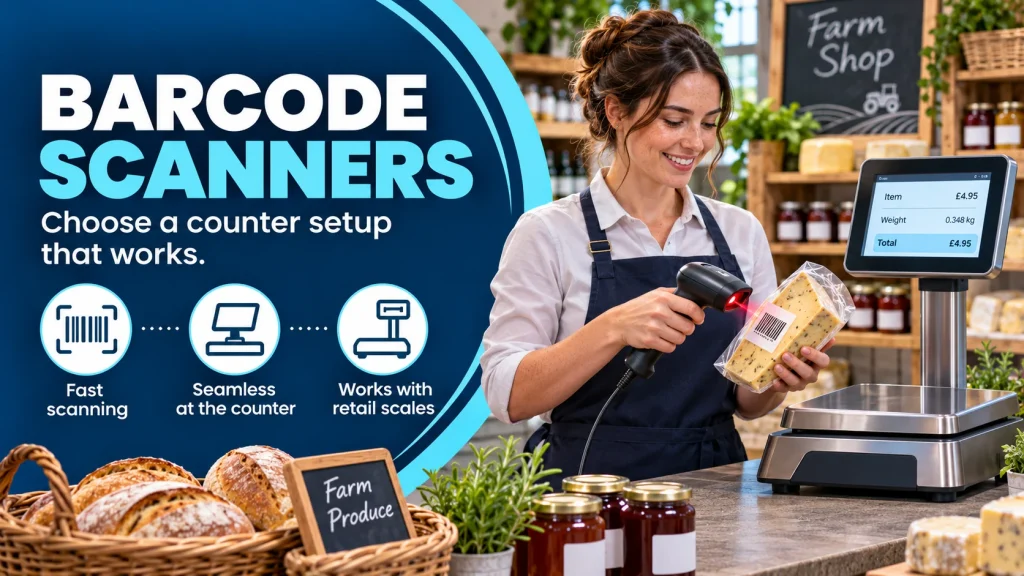
Barcode scanners for food retail need to work with the products, labels and counter layout in front of them. A scanner that reads a perfect test card may struggle with a small label on chilled packaging or an awkwardly shaped item during a queue.
Collect real samples first
Bring examples of your smallest label, a curved pack, a chilled product and an item printed by your own scales. Test each one at the distance and angle staff will use. Ask whether the scanner supports the barcode types already in your catalogue. GS1 UK explains the different barcode formats used for products; the right scanner depends on the format and the system that receives the data.
South Coast Systems offers wireless scanner options and handheld scanners. Check the exact connection, range and compatibility for your intended scale or till before choosing between them.
Make the counter comfortable
Consider whether staff need to lift heavy items toward a fixed reader or move a handheld scanner to the product. Where will the scanner rest between sales? Can the cable or charging cradle be kept away from food handling and customer space? A short ergonomic trial can reveal a problem that specifications will not.
Fix unreadable labels at the source
Scanning failures often begin with print quality or placement. GS1 UK notes that barcode placement affects checkout speed. Check contrast, damaged labels and whether the code is obscured by a fold or seam. Our guide to barcode labels for farm shops covers the product-data side.
Plan the exception
Handheld or fixed scanner?
A fixed reader can suit small packaged products that are easy to bring to one point. A handheld device may be easier for heavy, bulky or fragile items. Some counters use both. Check how staff work during peak periods, where the device rests and whether charging or cable placement creates clutter. Ask two colleagues to try the setup before deciding.
How do you measure success?
Count manual lookups and scan failures during a short pilot. Note the product, barcode condition and reason for each failure. A high failure rate may reflect label stock, printing or product records rather than the scanner itself. Correct those issues first, then test again. The aim is a more reliable sale and fewer ambiguous product selections.
Agree how staff identify an item when a label does not scan. A manual lookup should be traceable to the correct product and price, not a guessed substitute. Pilot the scanner with your busiest product mix, record failures and correct labels before rolling out. Ask South Coast Systems for a counter demonstration with your samples.