

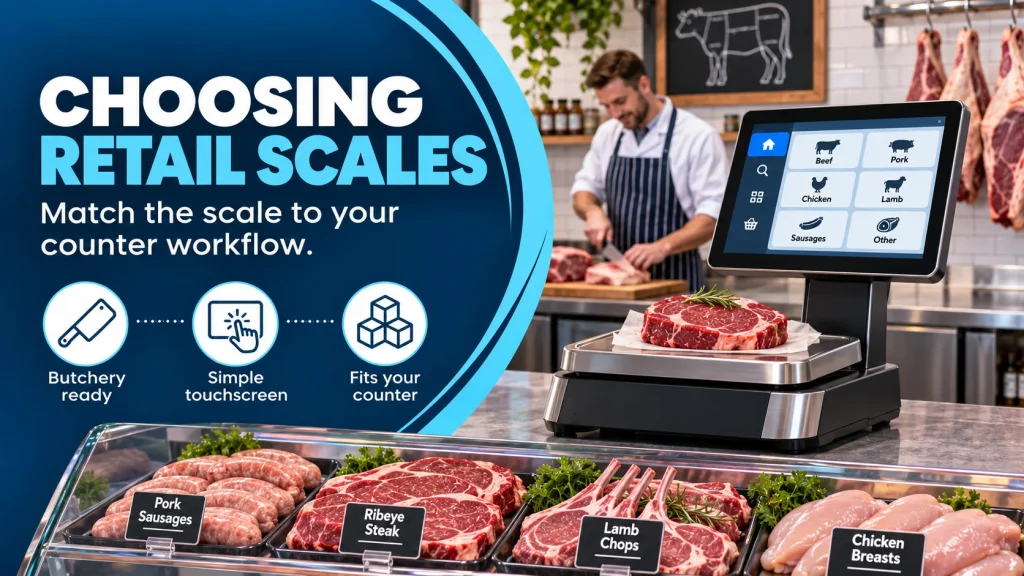
Choosing retail scales for butchers starts with the work your counter does every day. A scale that looks right in a catalogue may be awkward during a Saturday rush if staff need to weigh, label and take payment in one sequence. Map the tasks first, then compare equipment.
Start with the counter workflow
Watch how a typical order moves from the display case to the customer. Do staff weigh loose products, print labels for prepacked items, take card payments or prepare orders for collection? Note how much counter space is available and whether the customer needs a rear display. If several colleagues share the same counter, simple product lookup and consistent screen layouts matter.
South Coast Systems offers a range of retail weighing scales, including the Avery Berkel X Pro 100, X Pro 200 and X Pro 400. Compare the exact configuration with a supplier against your counter layout rather than assuming every model has the same options.
Think beyond the weight reading
List the product information that must appear at sale: price, product name, barcode and, where relevant, ingredient and allergen details. If your team changes prices or recipes often, ask how updates reach each scale and label printer. A connected setup may make routine edits easier, but only when product data has a clear owner and a checking process. Our guide to connected weighing scales and software explains that workflow in more detail.
For goods sold by weight, suitability for trade is essential. GOV.UK’s weights and measures guidance explains the role of approved equipment and local Trading Standards. Ask your supplier to confirm the model and installation are appropriate for your intended use.
Use a short buying checklist
- Which products are weighed loose, packed or labelled?
- How many transactions and staff will the counter handle at peak times?
- What screen, printer, payment and network connections are required?
- Who will maintain product records, and how will changes be checked?
- What installation, training and support will be available?
Questions to ask during a demonstration
Ask a colleague who actually works the counter to perform a full transaction. Can they find a product without memorising a code? Can they correct a mistaken selection, print the required label and hand over the sale without switching between confusing screens? Try a busy period scenario with two similar products and a price change. Notice whether the workflow remains clear when staff are interrupted.
Then ask what happens after installation. Who loads the initial product list, trains new starters and helps when the printer runs out of labels? If you have more than one counter or shop, confirm how product changes are sent and who checks that every device has received them. A suitable scale is part of a maintained retail process, not just a one-off purchase.
When is a connected system worthwhile?
Connection becomes more valuable as the same product data appears in more places: scales, labels, counter tickets, tills and an online shop. It can reduce repeated entry, but it also makes data discipline important. Decide who owns product names, prices and recipes, and test an update from start to finish before rollout.
Before ordering, ask for a demonstration using three real products and one awkward case, such as a recipe change or a collection order. That reveals more than a feature list. Speak to South Coast Systems about a scale configuration that fits your shop.