

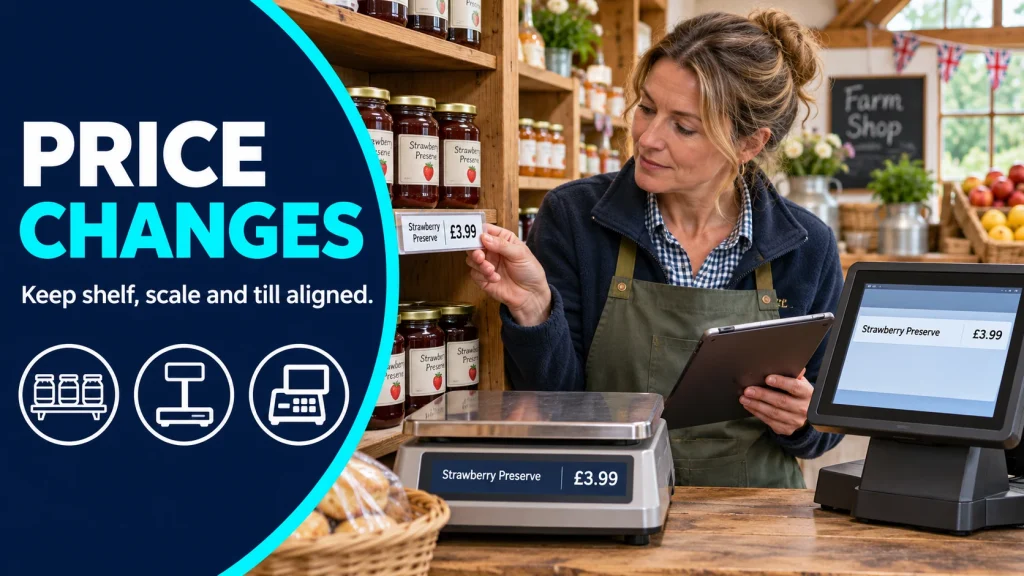
Food shop price changes can touch several places at once: the shelf edge, the retail scale, the label and the till. A mismatch can confuse shoppers and create time-consuming refunds. Treat each change as a small controlled release with an owner and a check.
Approve one price and one start time
Record the product identifier, old price, new price, unit of sale and effective time. If a product is sold both by weight and by item, check both records. Plan promotions and end dates in the same way. A short change log makes it easier to answer a later query.
The CMA’s price transparency summary explains why businesses should provide complete and accurate price information to consumers.
Update every customer-facing point
Change the shelf or counter ticket, scale product record, printed label and till record as one task. If the systems are connected, still test the output rather than assuming every display has refreshed. Our guide to electronic shelf labels covers one of those customer-facing points.
For weighed goods, place a representative item on the scale and compare the displayed unit price and total with the shelf sign. Scan or enter the item at checkout and compare the amount charged. Keep the test receipt or a simple record of the result.
Give staff a clear exception route
If a mismatch is found after opening, tell staff which price to use while the issue is investigated and who can authorise a correction. Remove an outdated sign promptly. Check neighbouring products and promotional variants if they share a template. Weighed product EPOS explains the value of a clean handover from scale to sale.
A price change is finished when a customer sees and pays the intended price, not when a back-office field has been edited.